
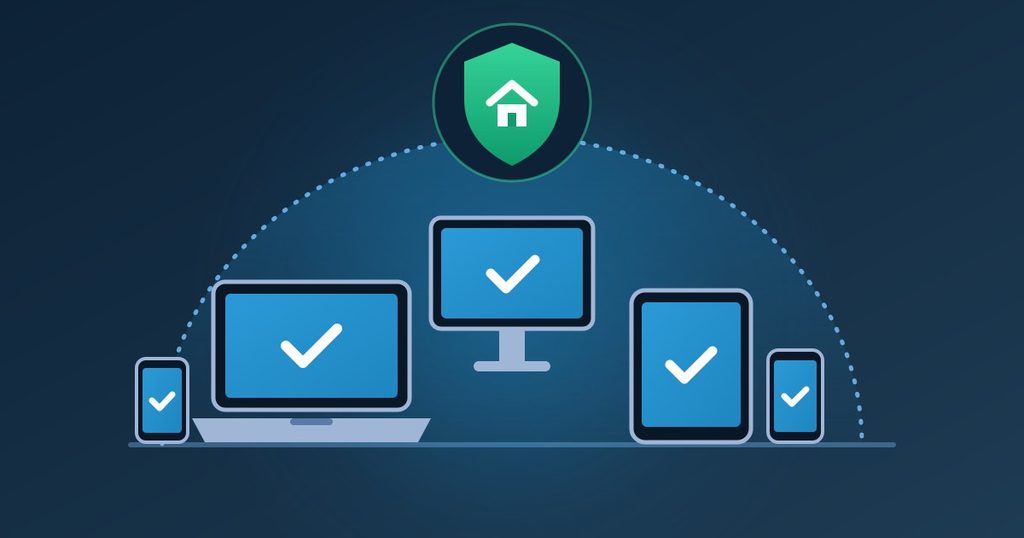
Your family’s computers hold more than files. They hold your banking, your email, your photos, and your peace of mind. Protecting them shouldn’t require tech skills, and with the right tool, it doesn’t.
Most online trouble starts with something that feels completely normal: clicking a delivery or tracking link, logging into a site you use every day, or downloading a file that seems safe. Good security software works quietly in the background to help catch those moments before they turn into a problem.
You should protect your devices if you:
- Shop online or use banking apps
- Check email every day
- Keep personal files, documents, or family photos on your computer
- Share a computer with family members
Sophos Home Premium covers up to 10 Windows and Mac computers, all from one simple dashboard. And with a 30-day money-back guarantee, there’s no risk in trying it.
Some links on this page are affiliate links. If you choose to make a purchase, I may earn a commission at no additional cost to you. I only recommend tools I trust and would use myself.
Why I Recommend Sophos Home Premium
I’ve worked in IT for over 10 years, supporting businesses and families alike. Sophos is a name I trust because its technology protects businesses around the world, and Sophos Home brings that same protection to your living room.
I’ve used Sophos at work and at home, and I only recommend products I’ve used myself. It’s easy to set up, it runs quietly in the background, and it lets you look after the whole family’s devices from one place, even if you’re not in the same house.
What It Protects You From
Sophos Home Premium helps protect your family against:
- Viruses and malware that can steal information or damage your files
- Ransomware that locks your files and demands payment
- Phishing websites designed to steal your passwords and banking details
- Dangerous links in emails, texts, and search results
- Brand-new threats, using AI-powered detection that spots suspicious behavior, not just known viruses
Key benefits, made simple:
- Real-time protection: it’s always on, so you don’t have to remember to run scans
- Web protection: it helps block dangerous and fake websites before they load
- Parental web filtering: choose which kinds of sites your kids can visit
- One dashboard for everything: check and manage every device from any web browser
- Easy setup: install it in minutes, no technical skills needed
- Real people to help: live chat and email support on weekdays
Free Antivirus vs. Sophos Home Premium
Free antivirus is better than nothing, but it usually covers only the basics on one computer. Here’s how they compare:
| Feature | Typical Free Antivirus | Sophos Home Premium |
|---|---|---|
| Virus and malware protection | Yes | Yes |
| Ransomware protection | Limited | Yes |
| Blocks dangerous and fake websites | Limited | Yes |
| Covers up to 10 computers | No | Yes |
| Manage every device from one dashboard | No | Yes |
| Parental web filtering | No | Yes |
| Live customer support | No | Yes |
| 30-day money-back guarantee | Not applicable | Yes |
Want a Second Opinion? Try HitmanPro
Even the best antivirus can miss something. HitmanPro is a second-opinion scanner that checks your computer for threats your main antivirus may have missed. It uses cloud-based scanning and runs alongside the antivirus you already have, so there’s nothing to uninstall.
It’s a good idea to run it if your computer is acting strangely, or just for extra peace of mind.
Don’t Forget Your Phone
Your phone holds as much personal information as your computer, sometimes more. Sophos Intercept X for Mobile is a free app that helps protect your phone’s apps, browsing, and personal data from malware and malicious websites. It’s available on the Apple App Store and Google Play.
Get Protected Today
You lock your front door without thinking about it. Your devices deserve the same simple habit. Sophos Home Premium protects your whole family’s computers from one easy dashboard, and the 30-day money-back guarantee means you can try it without risk.
Need help getting set up? Submit a Support Request and I’ll point you in the right direction.
Affiliate Disclosure:
Some links on this page are affiliate links. If you choose to make a purchase, I may earn a commission at no additional cost to you. I only recommend tools I trust and would use myself.